Calculate smarter
Estimate upgrade costs, resources, speedups, buildings, VIP, experts, and pets with structured calculators.
Mobile-first. Free core. No ads.
Calculators, tutorials, and strategy tools for Whiteout Survival players, made by a player for players.
Plan upgrades, understand events, compare heroes, and make better progression decisions without scattered spreadsheets or outdated Discord notes.
Free core • Optional Premium • No ads • No game login

The problem
Whiteout Survival players often rely on scattered calculators, spreadsheets, old notes, and fragmented discussions. WOS Toolbox brings practical planning tools into one focused app.
Core value
Estimate upgrade costs, resources, speedups, buildings, VIP, experts, and pets with structured calculators.
Read original tutorials for F2P basics, resource planning, event preparation, and practical progression.
Use local-first tools, recent calculation history, and app references without a required login.
Feature preview
The public Android version focuses on useful, maintainable tools instead of ads, complicated accounts, bots, or automation.
Explore WOS Toolbox
Each hub connects a common player problem with the app tools we are building: calculators, event preparation, hero references, and practical progression guides.
In app
Real WOS Toolbox screens show how the app helps you move from a question to a practical decision.
Public Android app
Browse the public tool catalog and move directly into the planning workflow you need.
Android • Public release • Version 0.2.0

Calculator hub
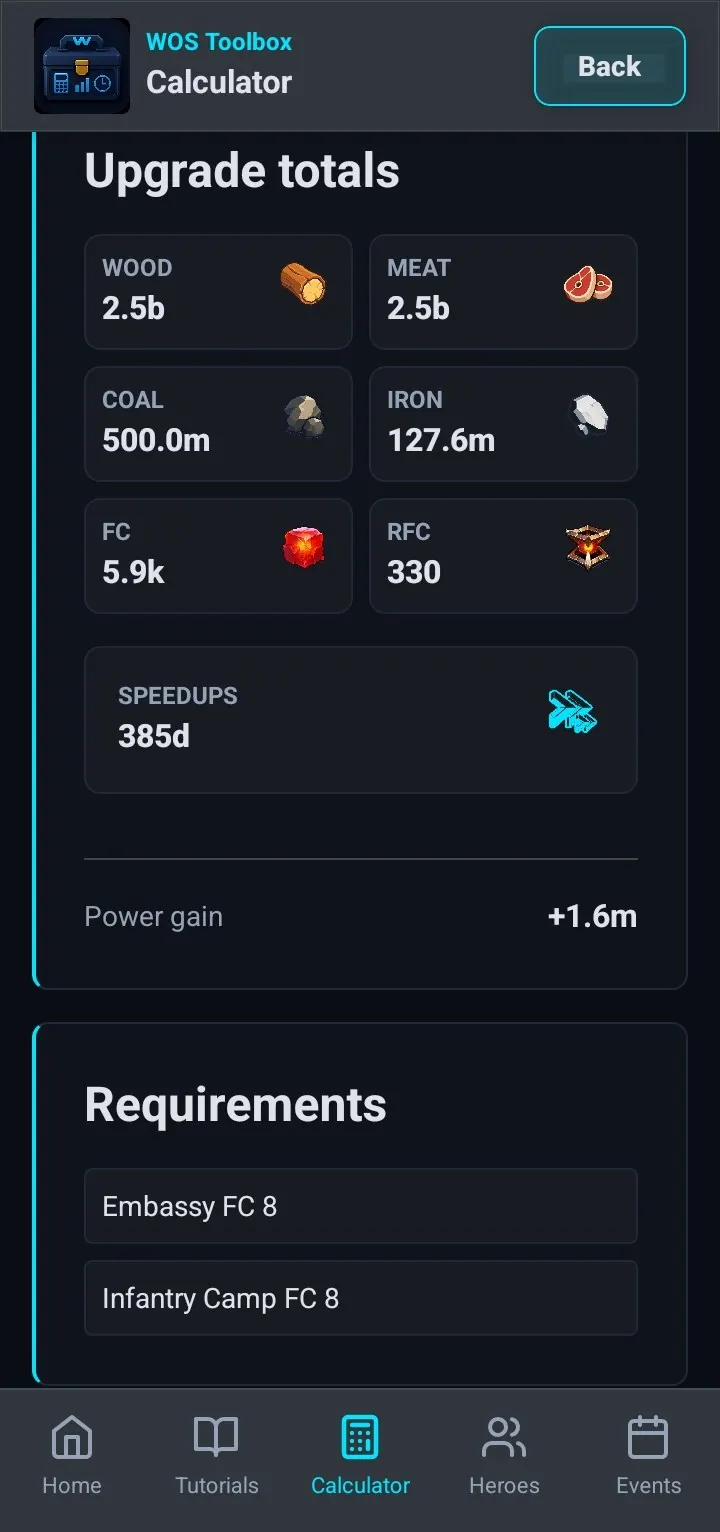
Start with a searchable tool list instead of digging through old bookmarks, sheets, and notes.
Calculator setup
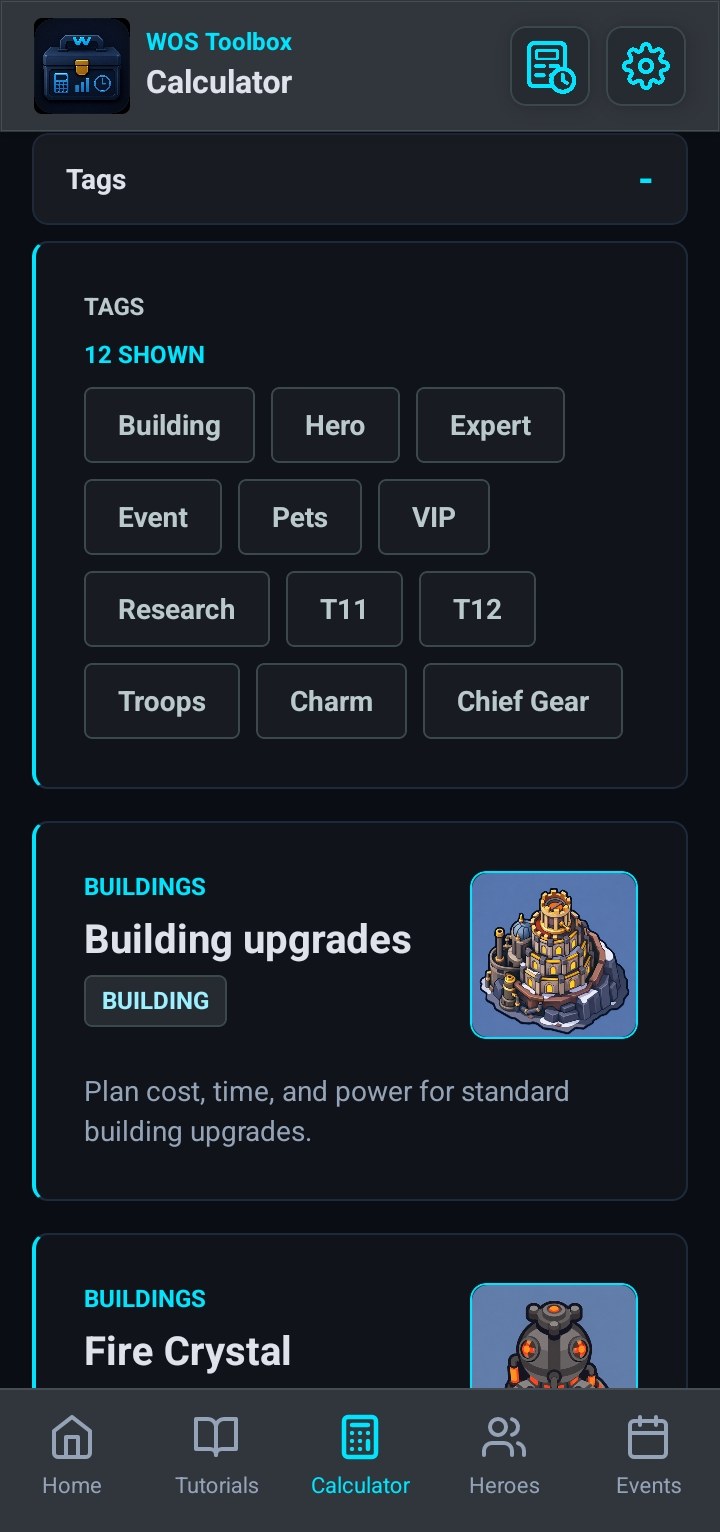
Pick the building and level range first, then check whether the target is realistic for your current plan.
Clear totals
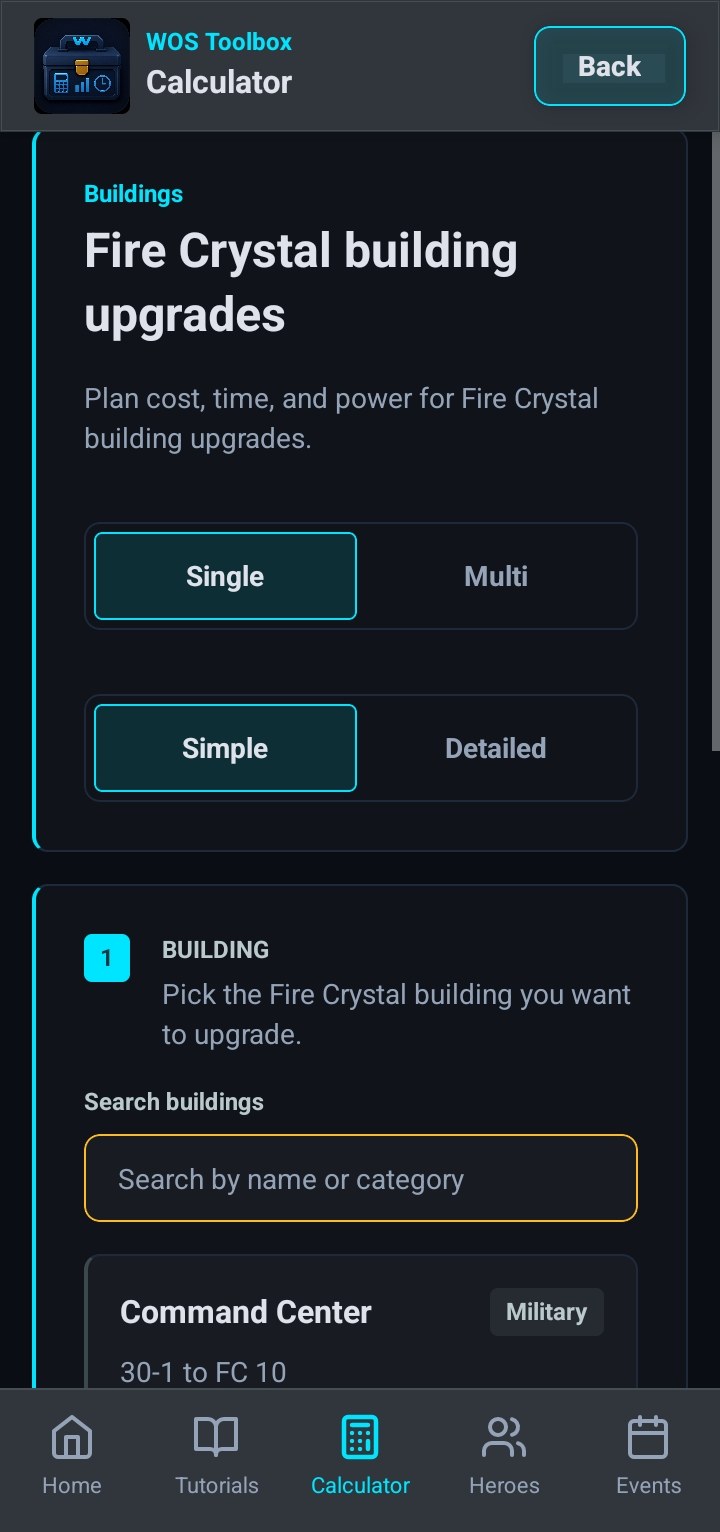
Compare required resources, speedups, power gain, and requirements before committing to an upgrade plan.
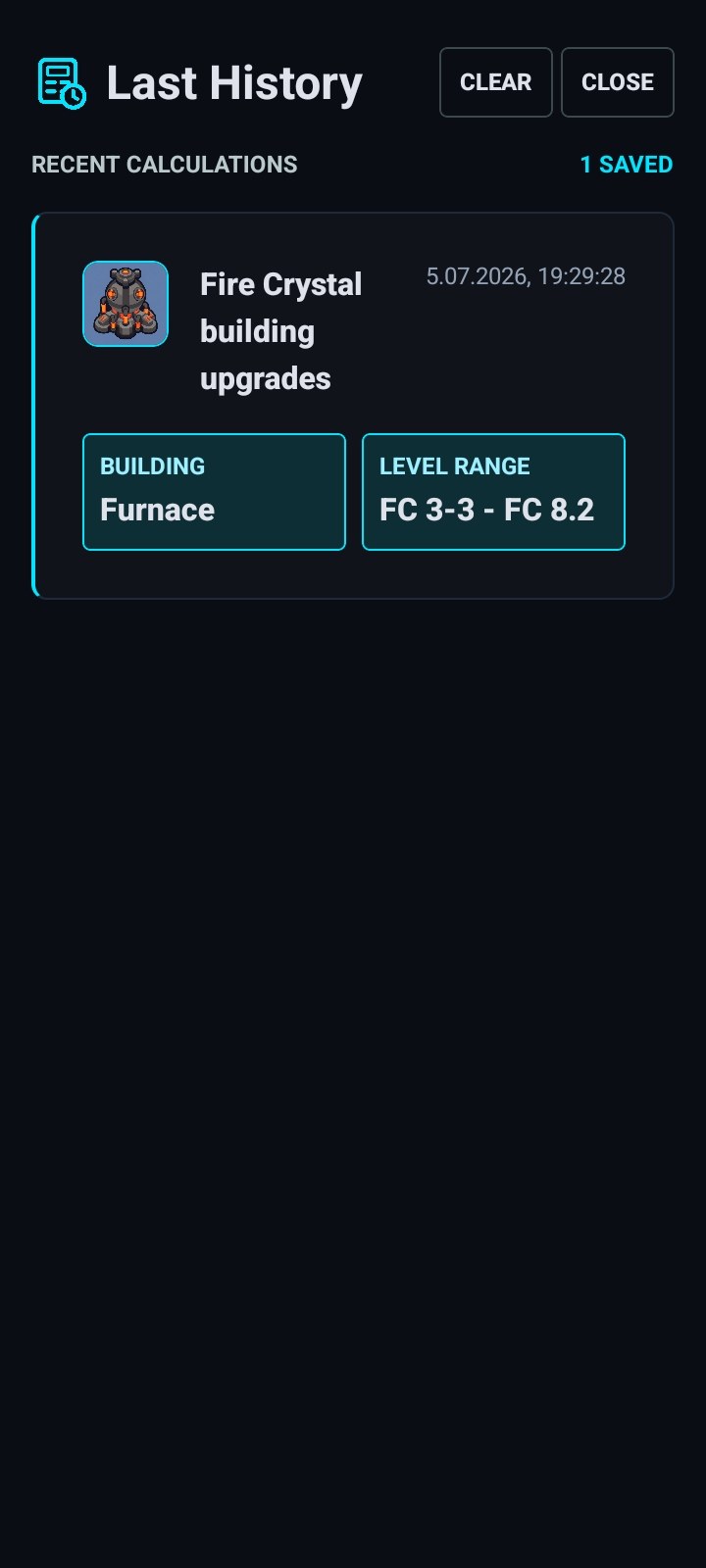
Last History
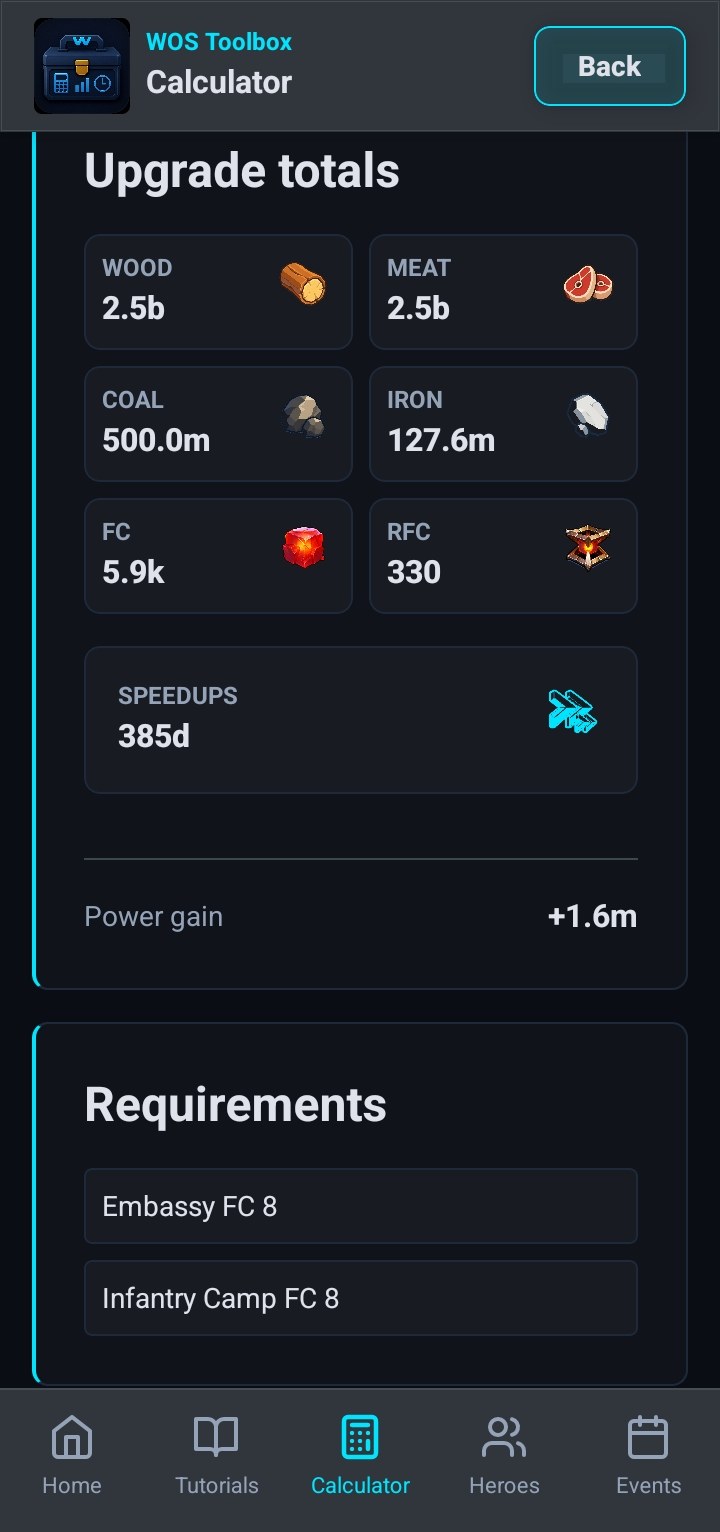
Recent calculator work stays local so you can revisit a plan without sending your values to a server.
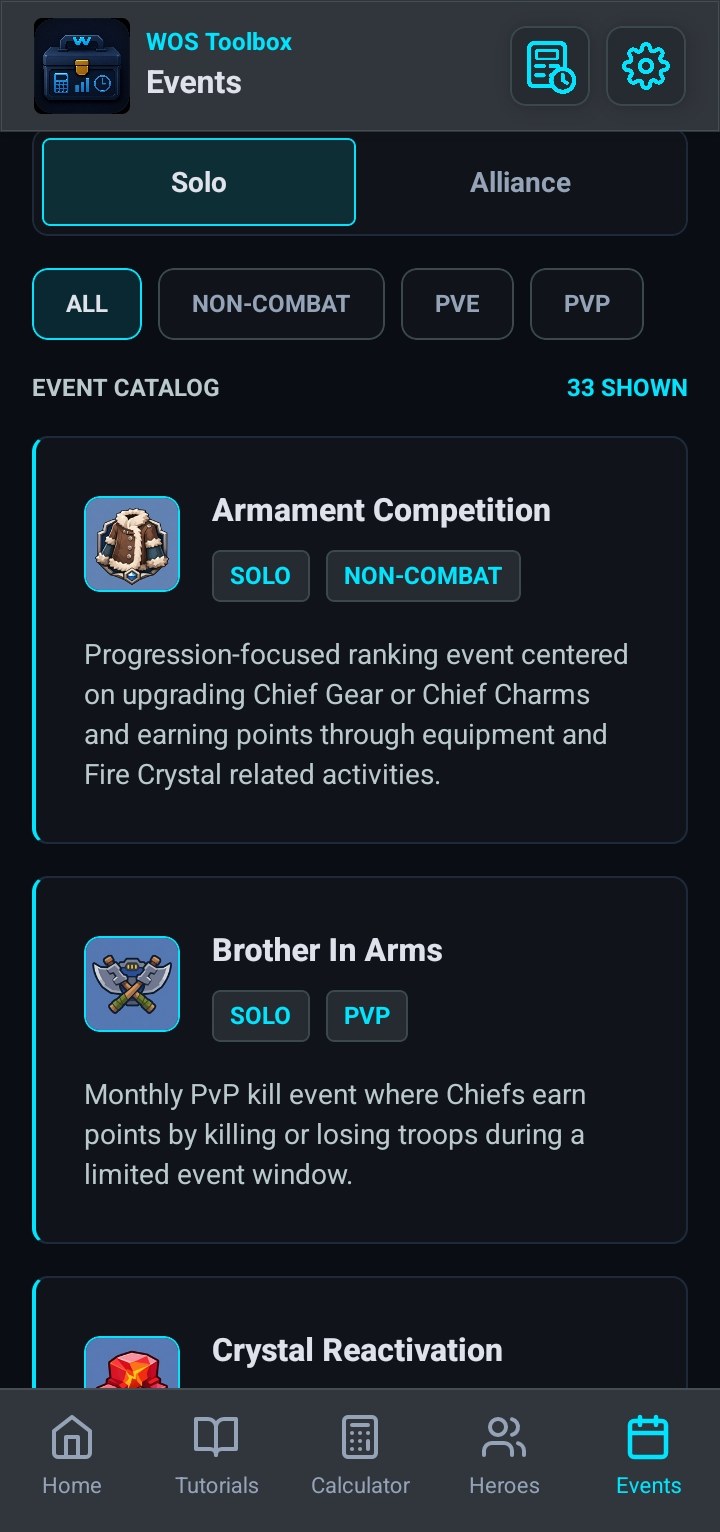
Events
Browse event references by type and focus preparation around the spending windows that matter.
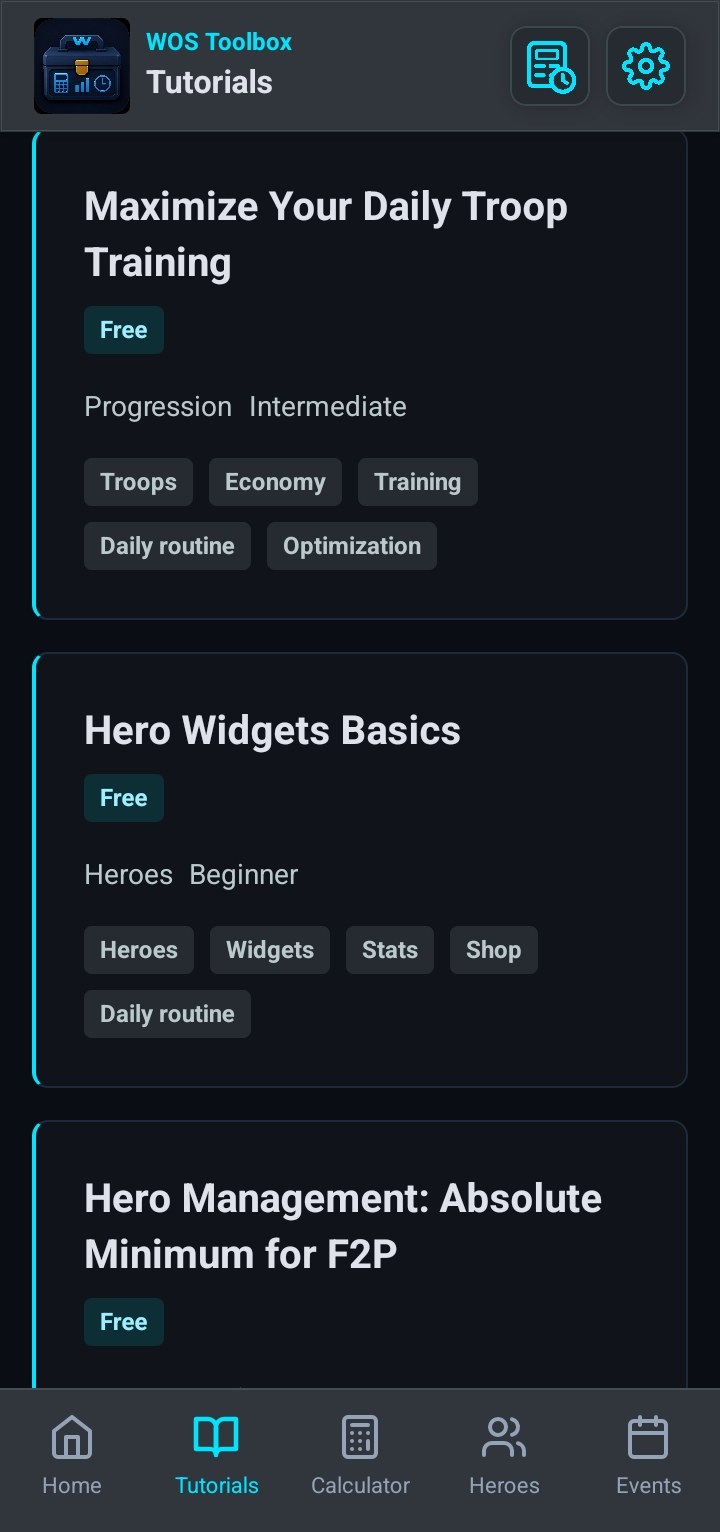
Tutorials
Tutorials give players a practical next step after checking calculators, events, and progression context.
Android app
Install the public Android release and keep calculators, guides, event references, hero planning, and Last History on your phone.
Free core • Optional Premium • No ads • No game login
Community
Discord is the main WOS Toolbox community hub for app updates, feedback, changelogs, bug reports, and practical player discussion.
Join the community, share feedback, follow app updates, and help shape which tools matter most. Discord is optional and is not required to use the app.
Social channels are used for public app updates and community news.
Privacy-first
FAQ
WOS Toolbox is an ad-free companion app for Whiteout Survival players. Its free core remains available without a subscription, while optional Premium unlocks the features shown before purchase.
The free, ad-free core remains available without a subscription. Optional Premium unlocks only the features shown before purchase.
No. WOS Toolbox does not require your game login.
Calculator values and Last History stay local on your device. Analytics measures feature usage, not calculator values.
The public Android version of WOS Toolbox is available on Google Play.
Yes. The Discord invite and social profiles are linked in the Community section.
Android app